
Live family location
See family members on the map, when their location last updated and their battery level — in real time.
SoftiMap Family brings your family's location, trips and plans into one clear view. No guessing, no constant phone calls.
A short walkthrough of the map, plans, chat and safety features.
Where we are, where we're going, when we'll arrive and what's still to do.
See family members on the map, when their location last updated and their battery level — in real time.
Turn-by-turn navigation for every mode of transport, live traffic hazard reports from the community, and one tap to report a problem.
A shared agenda for events and tasks. SoftiMap checks travel times and warns you when someone won't make it in time.
One button sends your location to the whole family in an emergency. Arrivals, departures and low battery are reported automatically.
Group and one-to-one conversations with voice messages, photos and quick statuses.
Every adult decides when and with whom they share location.
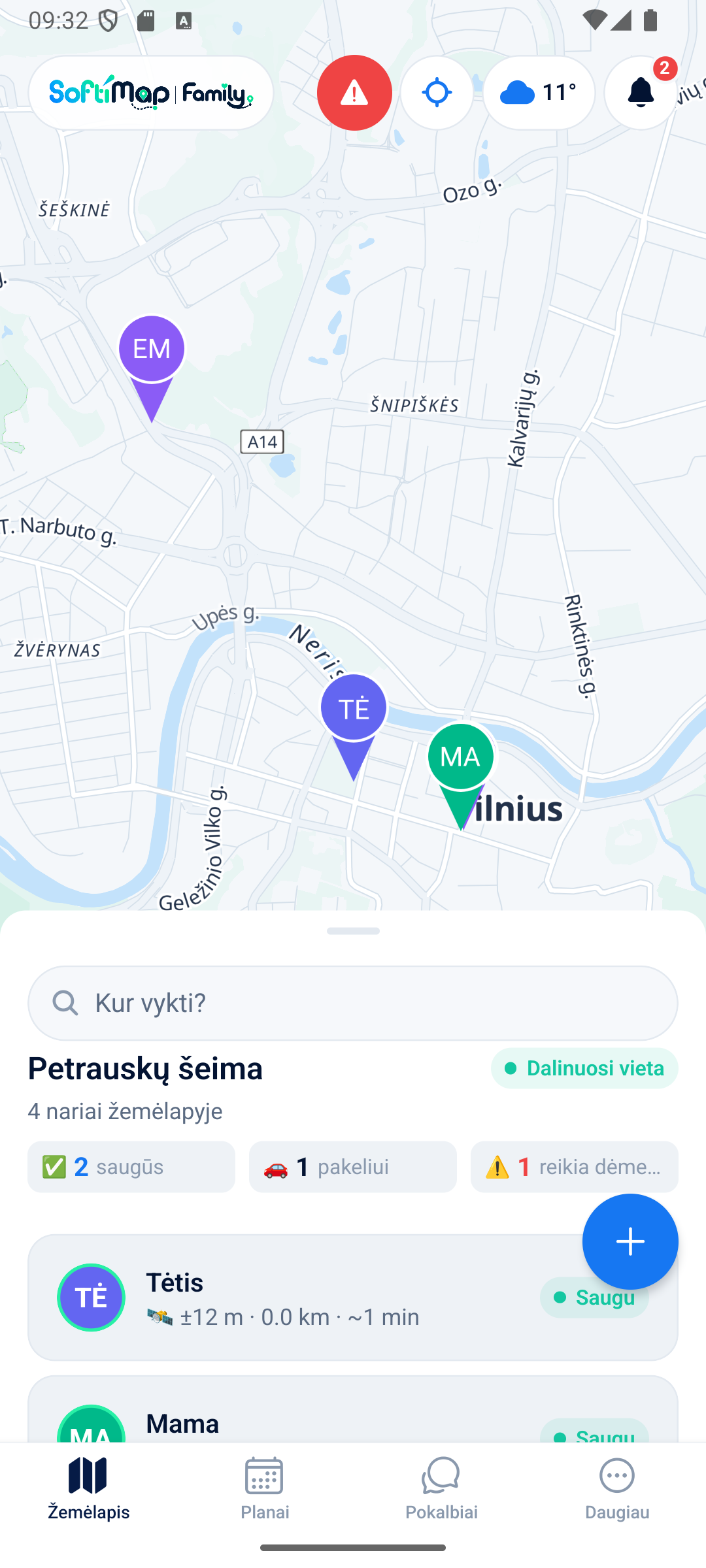
Family members on the map with their current activity, weather right at the top, and a safety summary: who's safe, who's on the way, who needs attention.
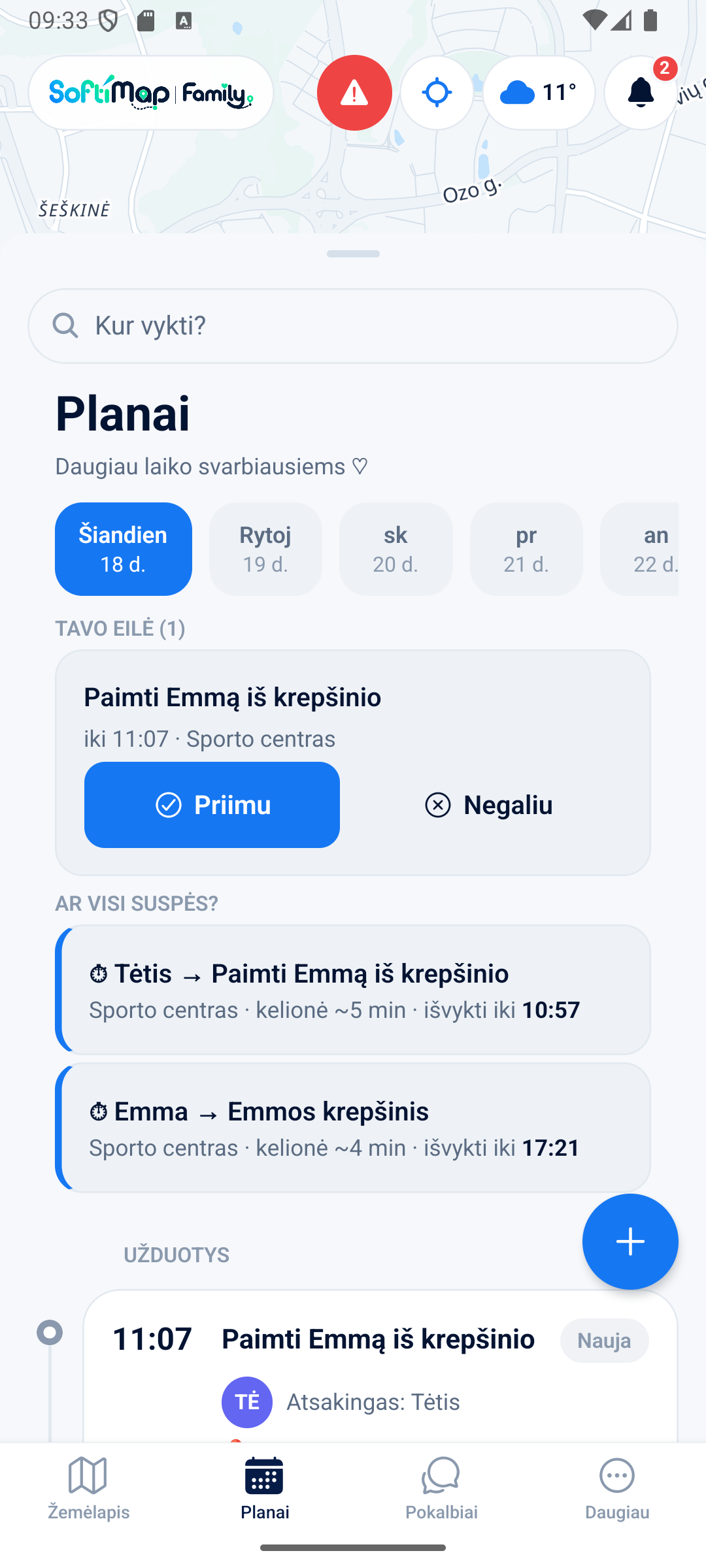
One agenda for the whole family: events and tasks side by side, day by day. SoftiMap checks travel times and warns you when someone won't make it in time.
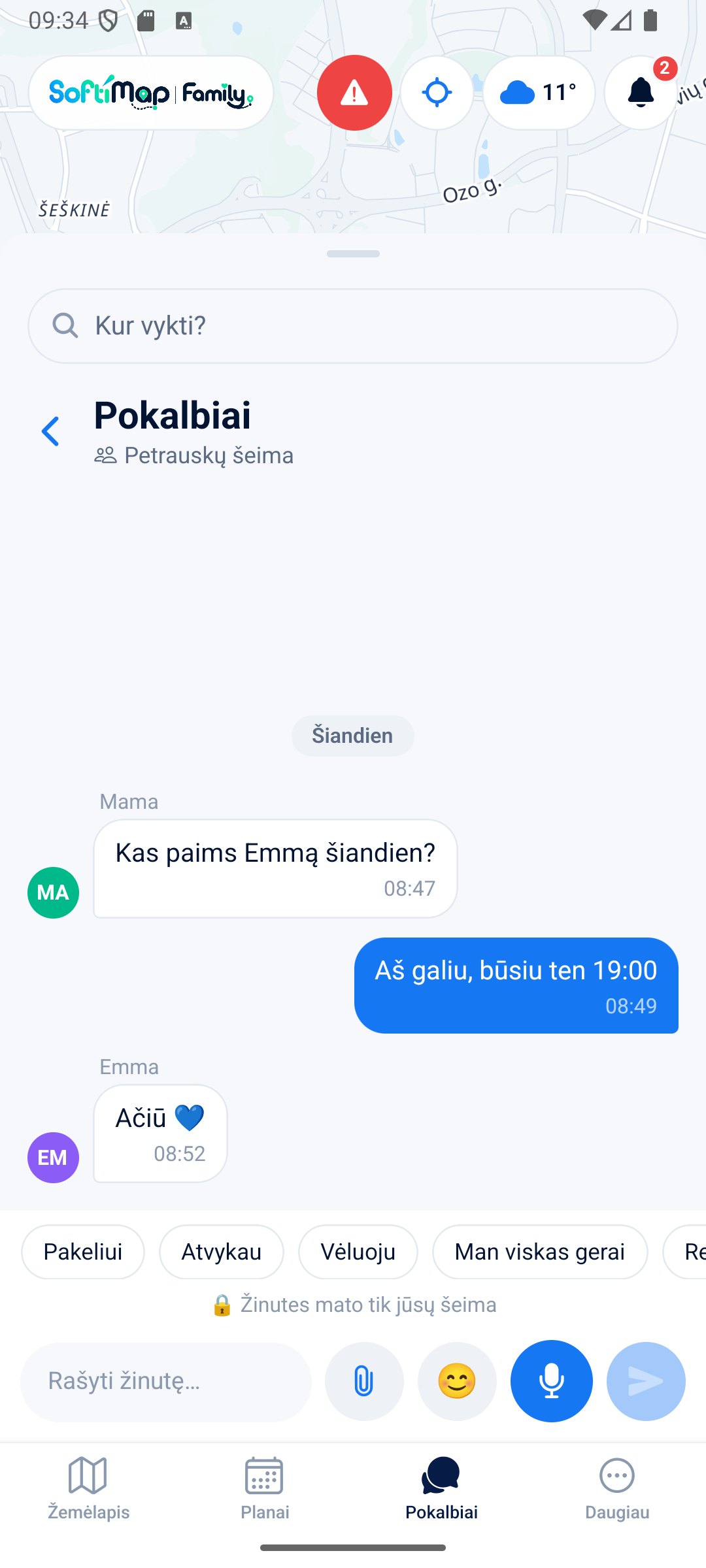
No jumping between apps. A family group and one-to-one chats with voice messages, photos and quick statuses — right next to the map and the agenda.
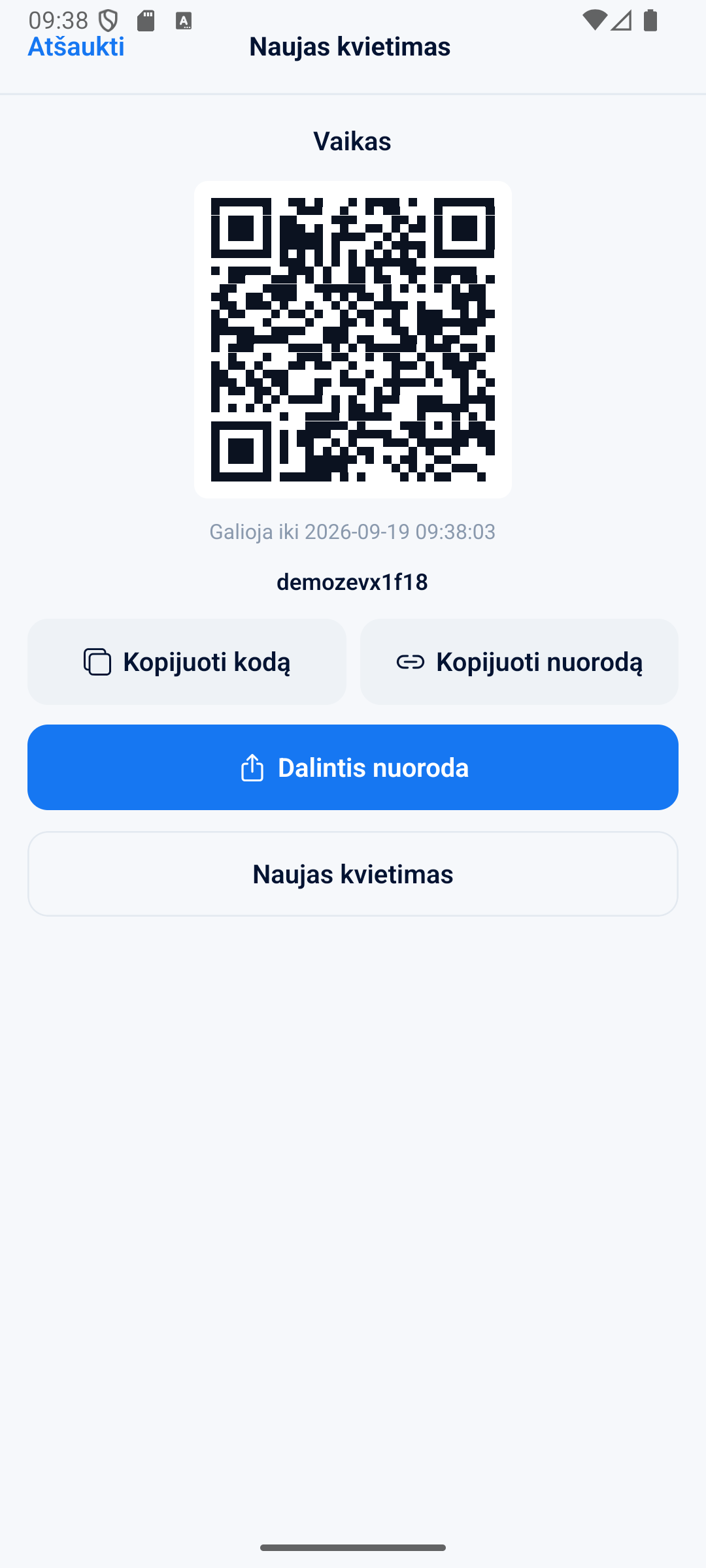
Create a role for each person — parent, teen, child, senior, or a trusted person for pickups — and invite them with a QR code or a link that expires on its own.
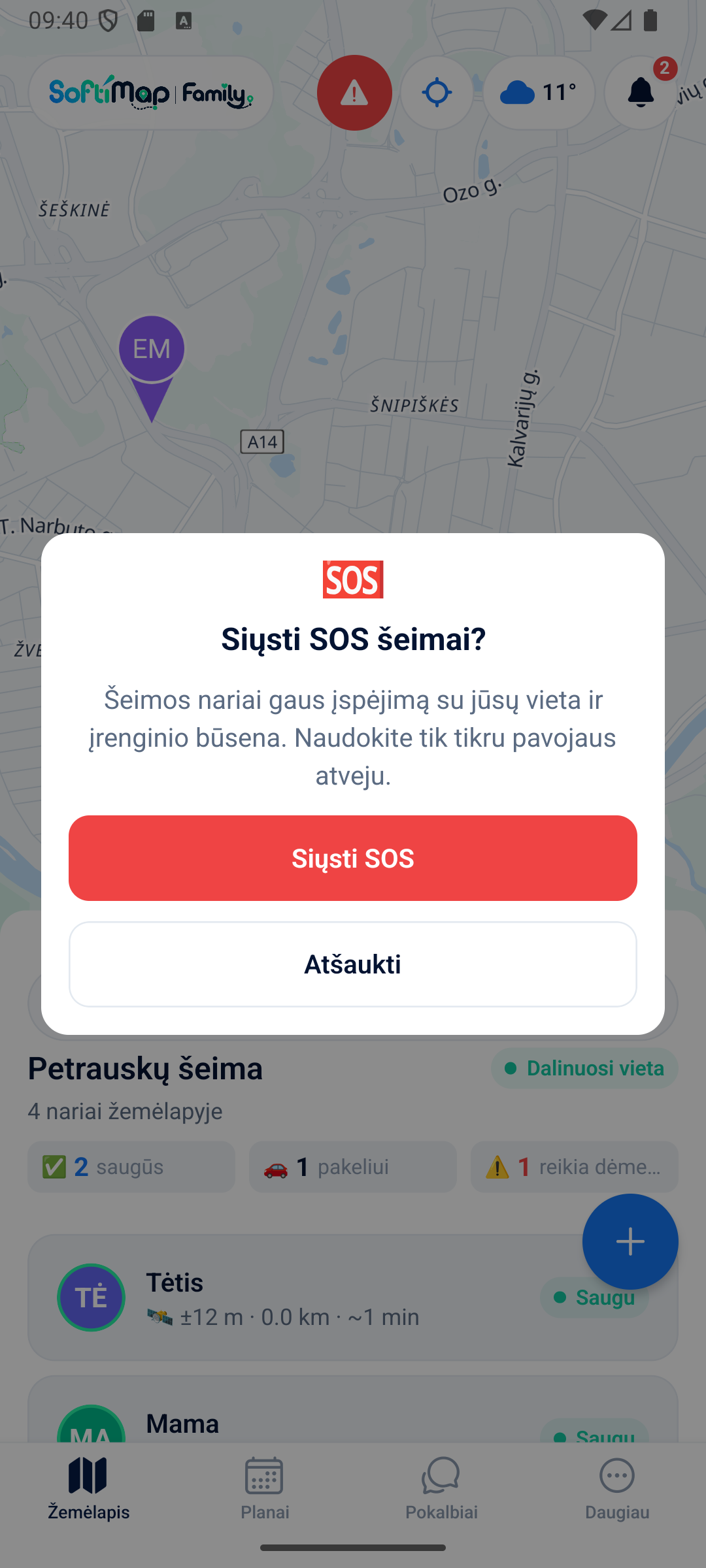
SOS instantly shares your exact location and device status with the whole family. Arrivals, departures and low battery are reported automatically — no need to ask.
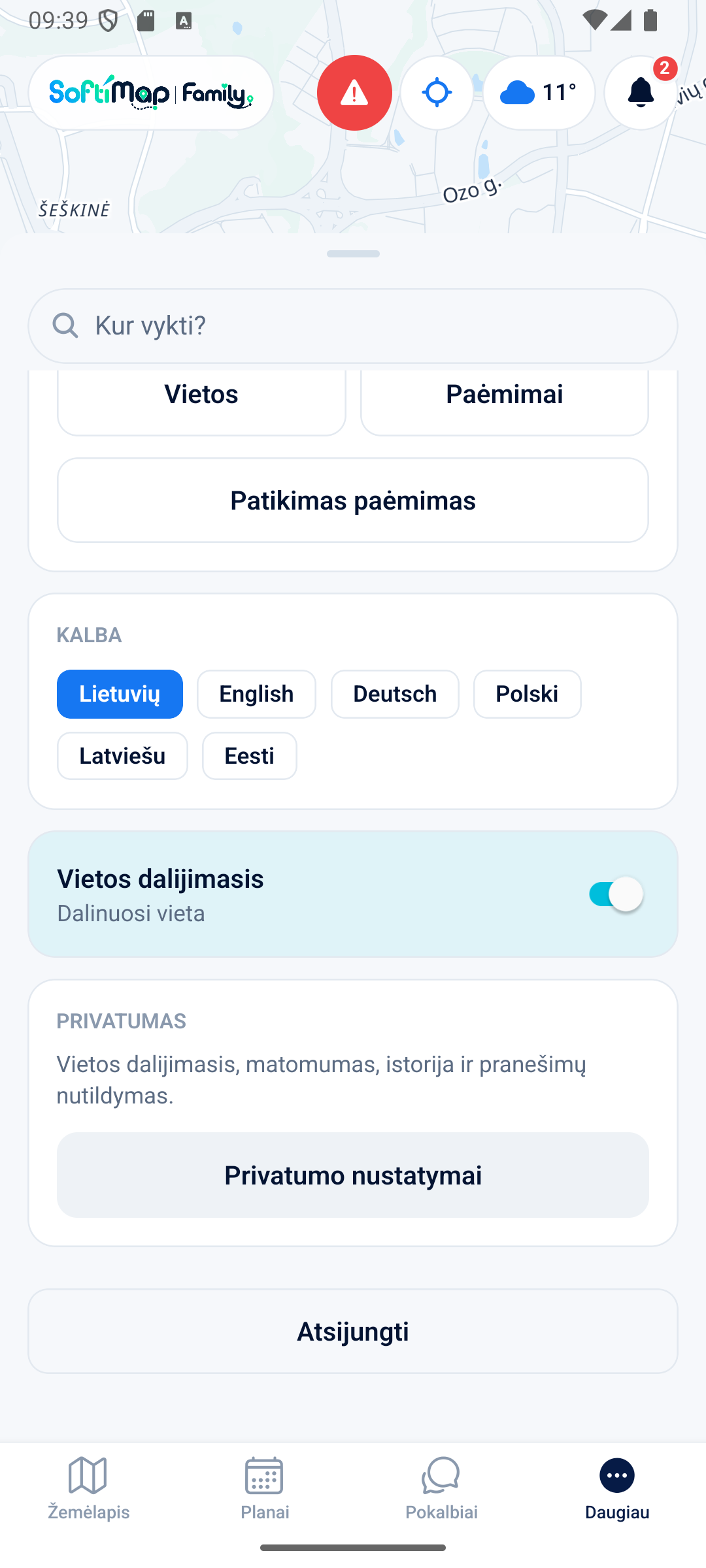
Switch the whole app between Lithuanian, English, German, Polish, Latvian and Estonian right in Settings — every family member can use their own language.
One person creates the family, the others join via a QR code or a link.
Sign up and name your family space. You become its owner.
Generate a one-time QR code or link with a role and an expiry.
Add places, events and tasks. From now on the family sees the same picture.
Location sharing in SoftiMap Family is clear, controllable and understandable for every family member.
Always, only at set times, only during a trip, or not at all.
The whole family or only parents — you choose.
Off by default. Records are kept for a limited time.
"Stop sharing now" — with one button.
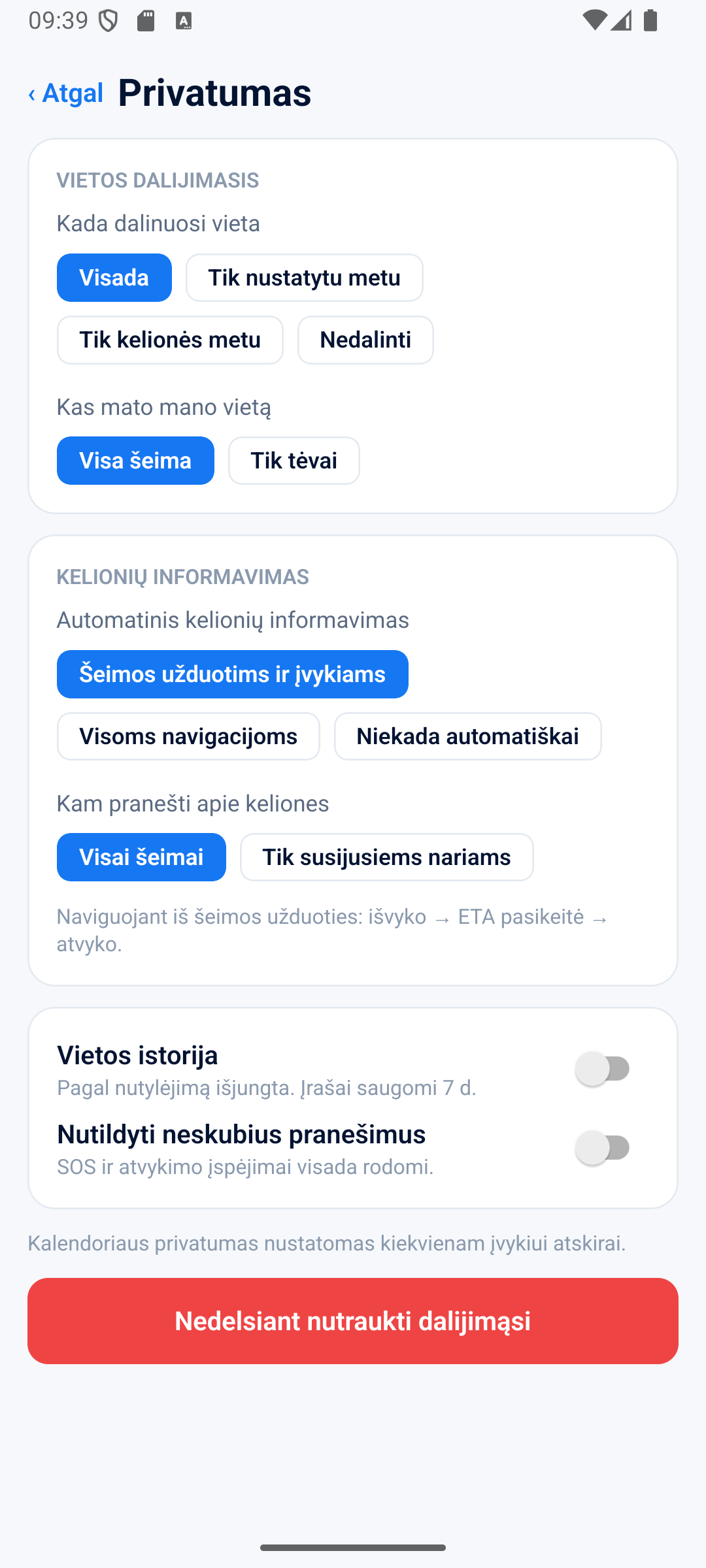
Calendar privacy — per event: public to the family, show only "Busy", or fully private. SOS and arrival alerts always reach the family.
The core features are free. There are no ads in the app.
Yes. The app is built for transparency.
Maps and routes are based on open map data.
The app is built for both Android and iOS. Android is available first as a beta; iOS follows once the beta is stable.
The family owner generates a one-time QR code or link.
Yes. Account and location data can be viewed and deleted.
Beta version for Android devices. Try the interface with demo data; an account is required for your real family.
Android may ask you to allow installation from this source. Only install APK files downloaded from the official SoftiMap website.